One tap to connect
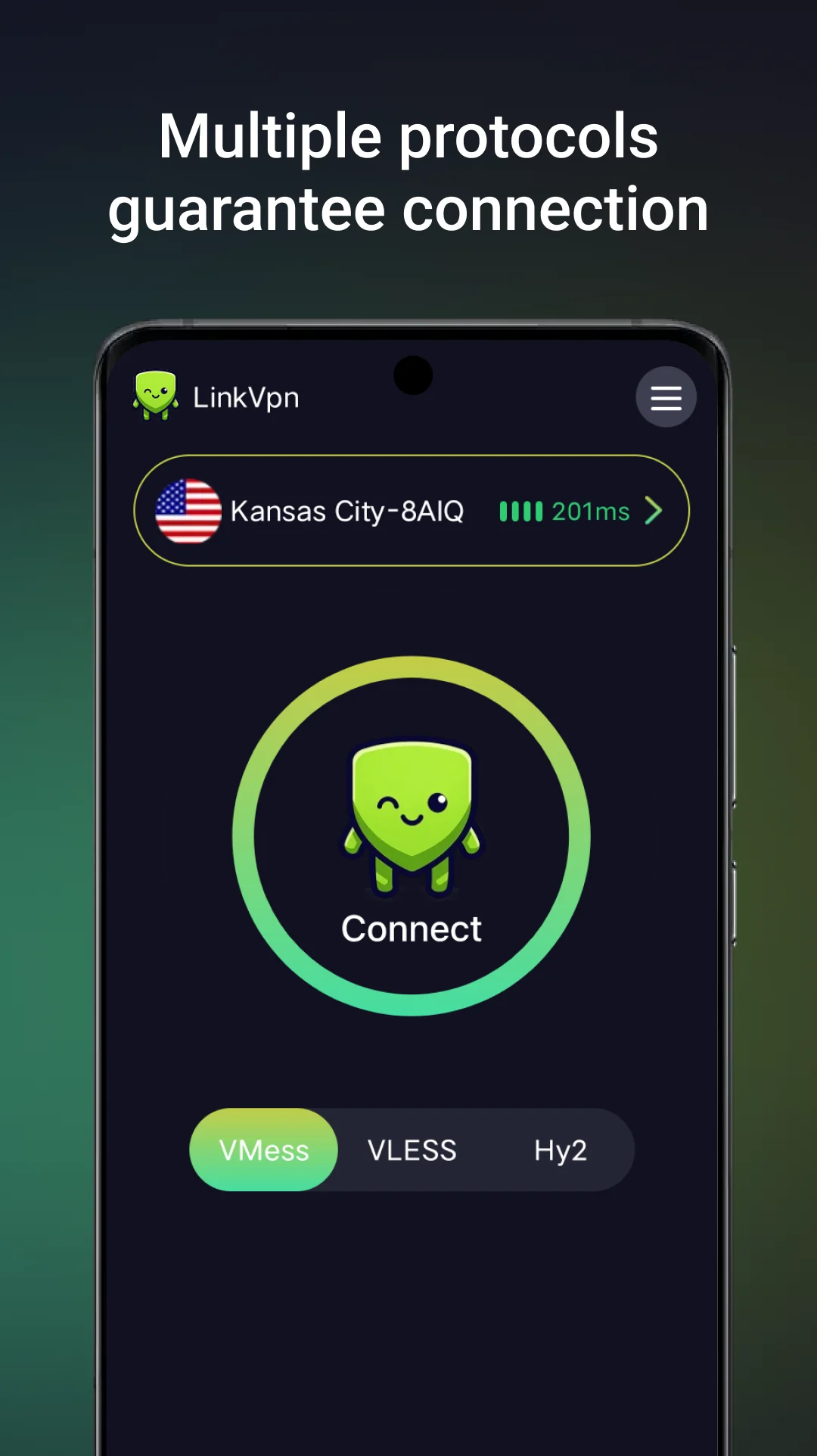
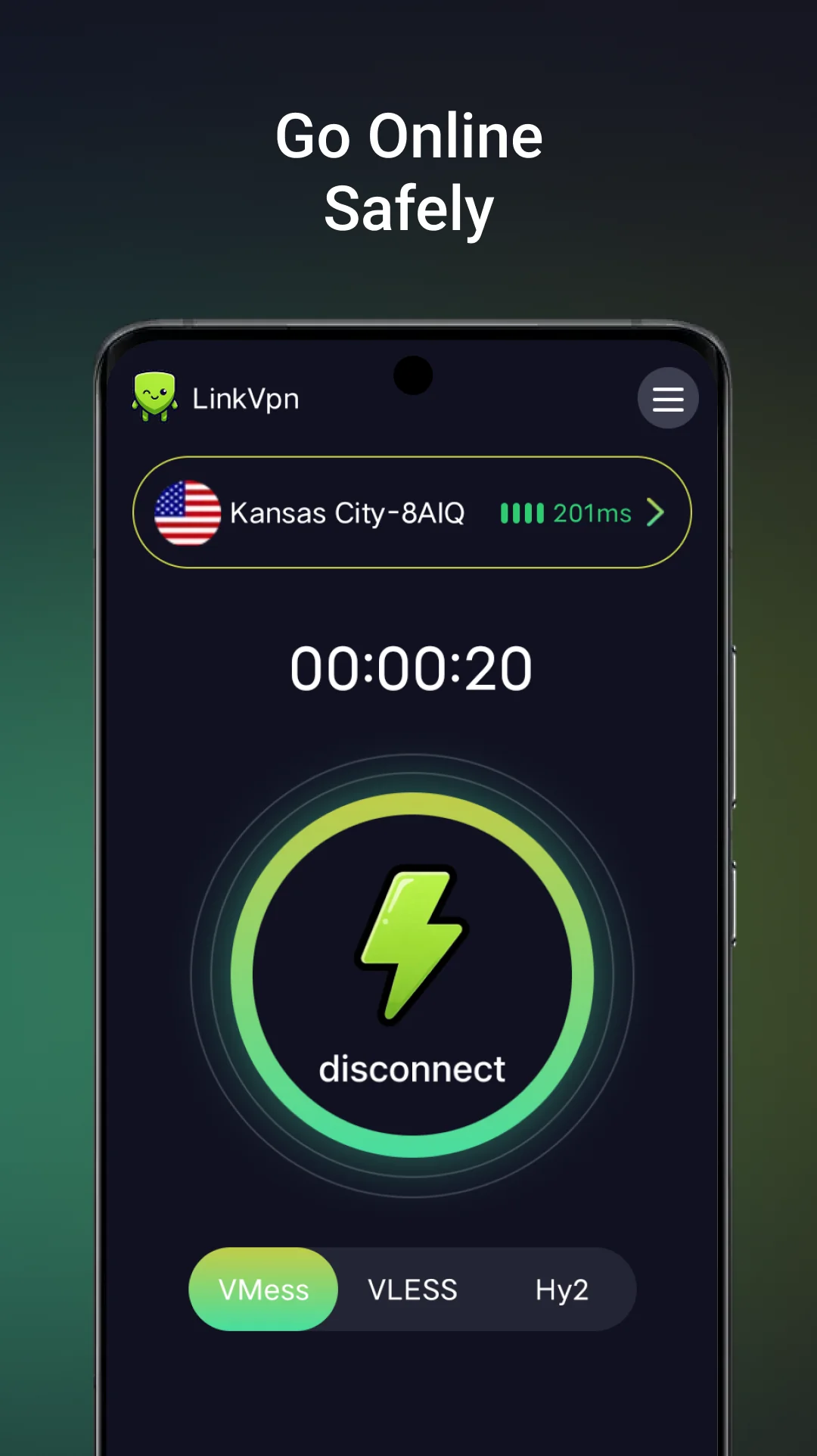
Choose an available location and start or stop the VPN from the main screen.
VPN for Android
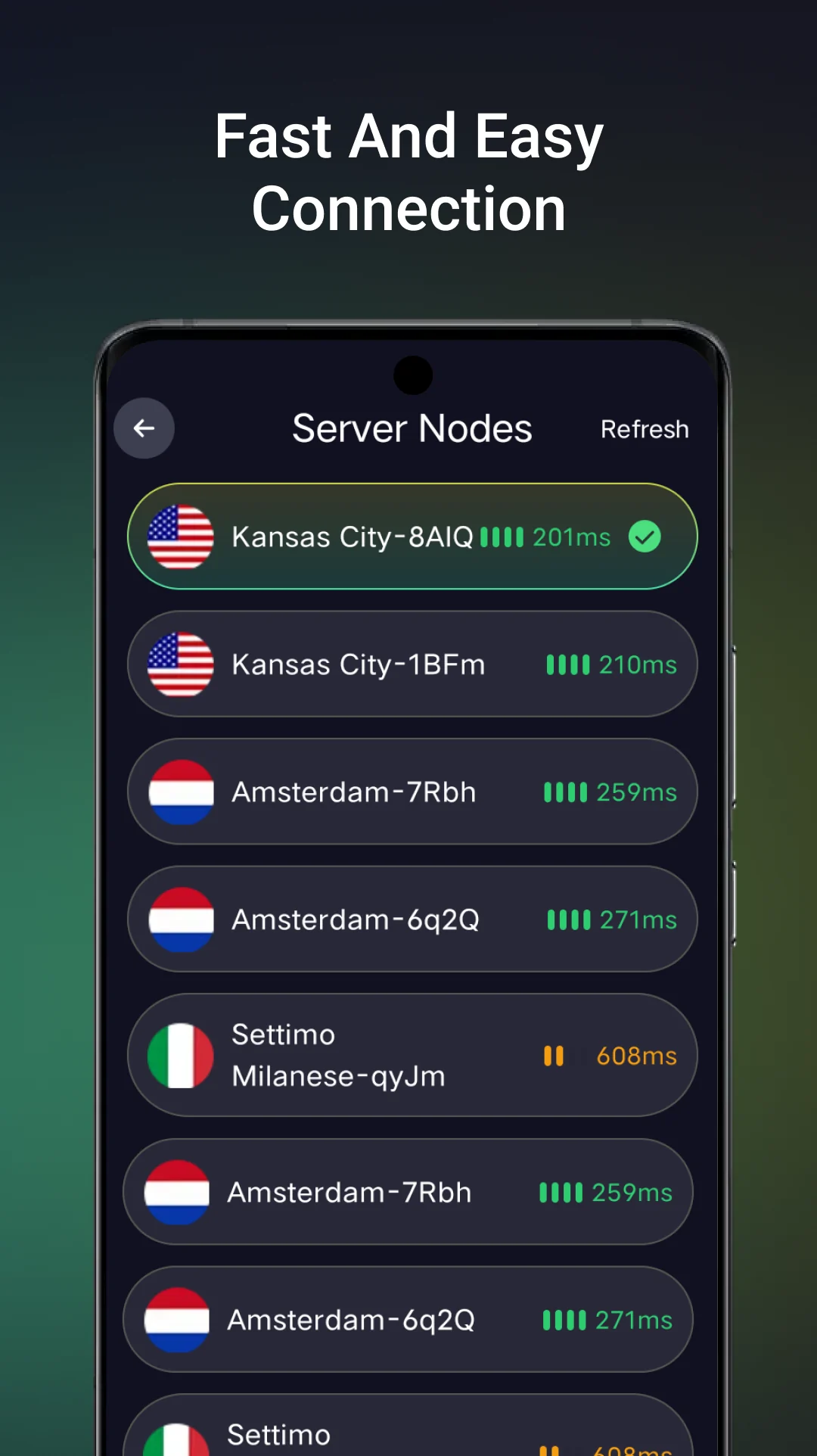
Choose a location and start your connection in one tap.
A straightforward Android VPN experience with flexible connection routes and clear controls.
Built for everyday use
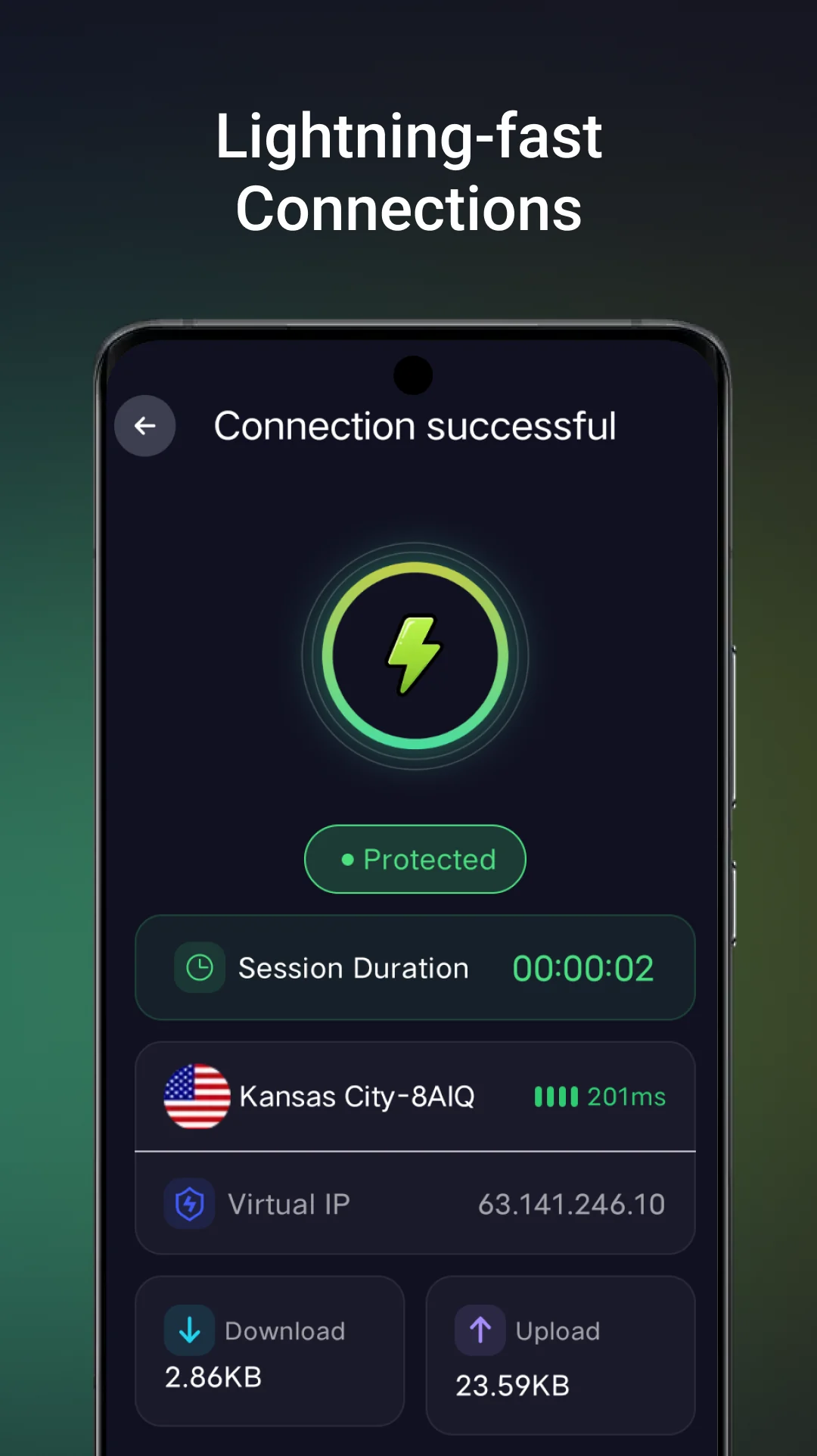
LinkVpn keeps the essential controls close, so you can select a location, choose how to connect and understand your current status.
Choose an available location and start or stop the VPN from the main screen.
Switch between the connection options available in the app for your current network.
Exclude selected apps when you want their traffic to stay outside the VPN connection.
Inside LinkVpn
From server selection to connection status, LinkVpn keeps each step focused and easy to recognize.
Clear information
Review the LinkVpn privacy policy and user terms before you install. For product support, contact the developer directly by email.
LinkVpn guides
Use the official guides to complete the first connection, diagnose common Android problems and understand what the VPN protects.
Common questions
Use the official Google Play listing linked on this page. The package name is com.free.link.vpn.
LinkVpn is currently available for Android devices. Check Google Play for compatibility with your device.
Open LinkVpn, choose an available location, tap Connect and approve the Android VPN permission when prompted.
Email [email protected] with your Android version, LinkVpn version and a short description of the issue.
The official LinkVpn distribution is Google Play. link-vpn.net does not provide a direct APK file. Avoid modified APK files from third-party download sites.
No. LinkVpn is currently available only for Android. There is no official LinkVpn version for Windows, macOS or iOS.
Install the official Android app from Google Play and start with a simple connection.
Get it on Google Play